
Interfacing of Encoders
Procedure
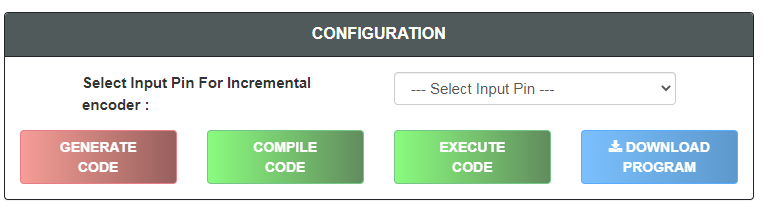
Step 1 - Select Input Pin For Incremental Encoder.
Step 2 - Click on "GENERATE CODE" button to generate code.
Step 3 - Click on "COMPILE" button to compile code.
Step 4 - Click on "EXECUTE" button to execute code.
Step 5 - Click on "DOWNLOAD" button to download code.
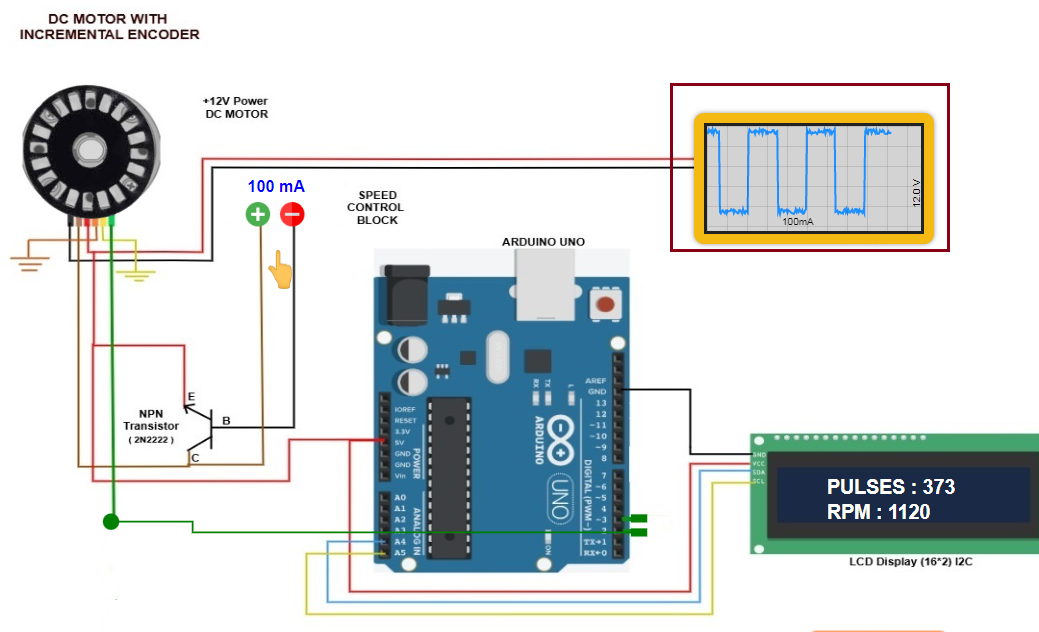
Step 6 - Select input pin for Incremental encoder
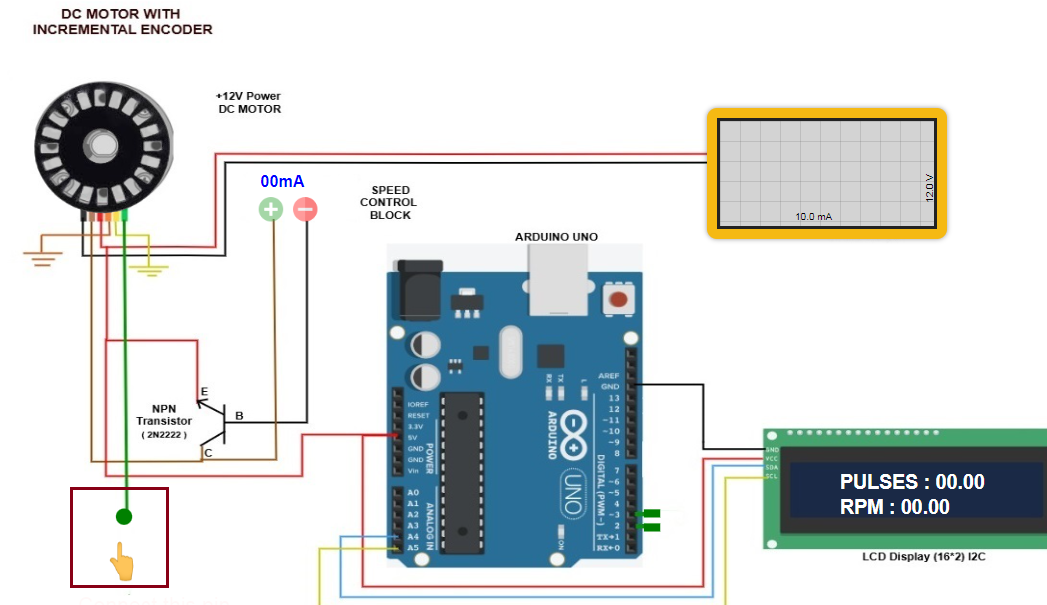
Step 7 - Click on green dot to connect pin.
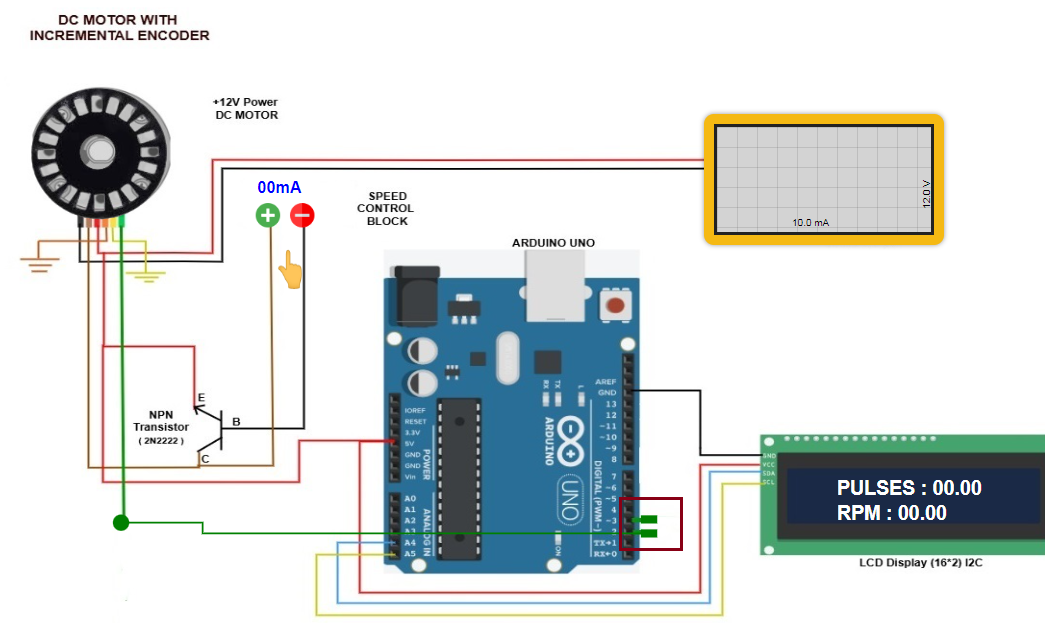
Step 8 - Click on any green rectangle to connect pin.
Step 9 - Click on plus Button to increse Speed and click on minus button to decrease speed
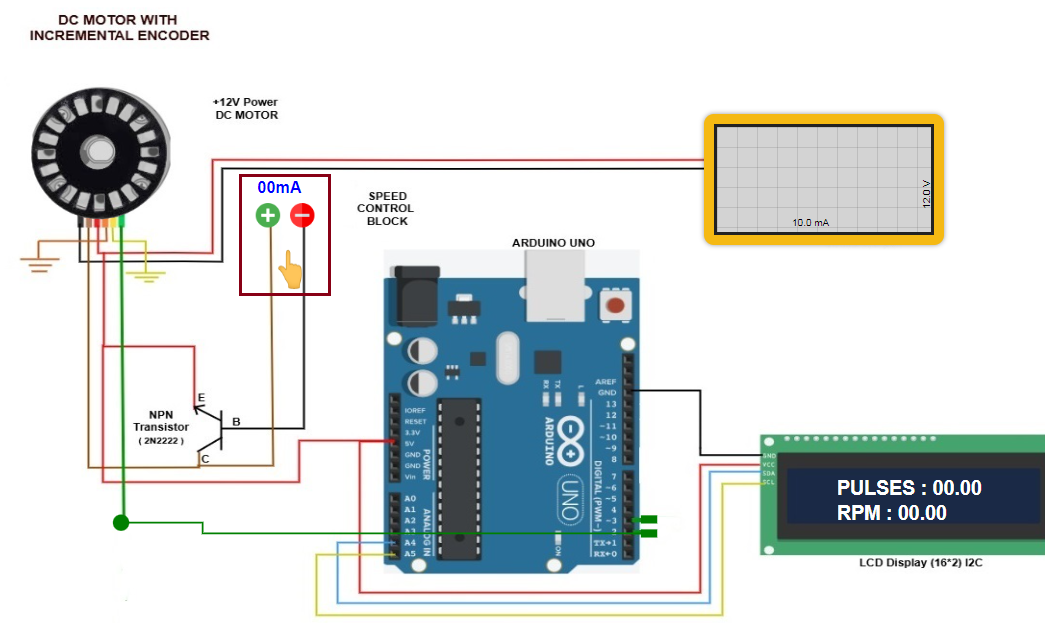
Step 10 -Observe Oscilloscope to generated graph waves
Step 11 - Click on "Next level" button
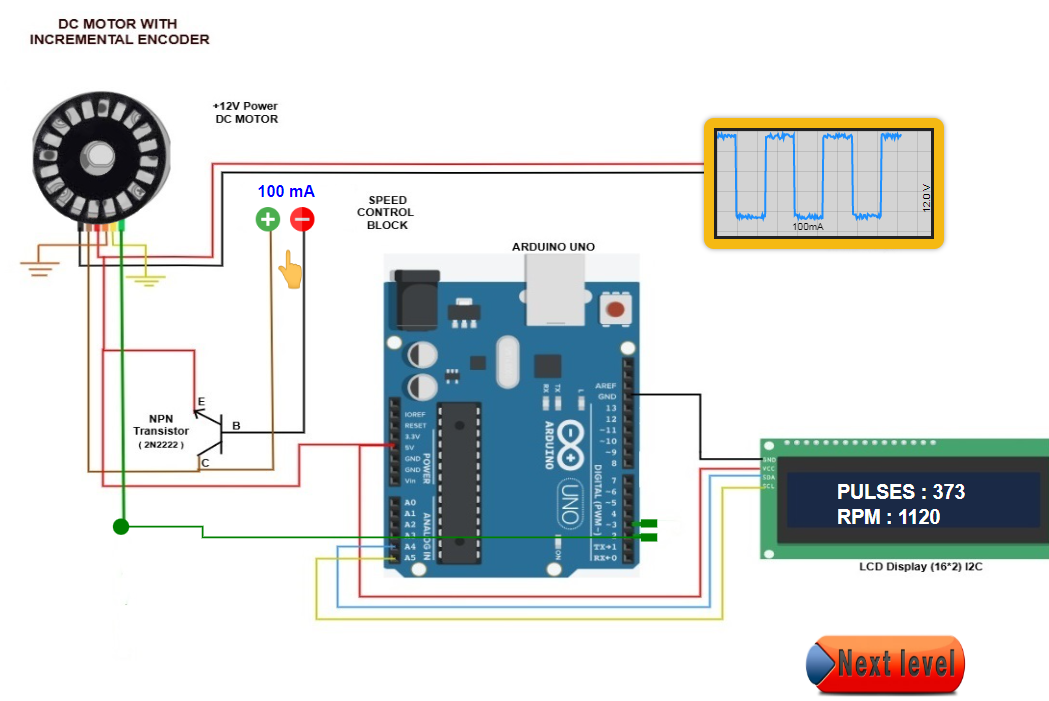
If you want to download Result click on "DOWNLOAD REPORT" button.